Utility Types in TypeScript
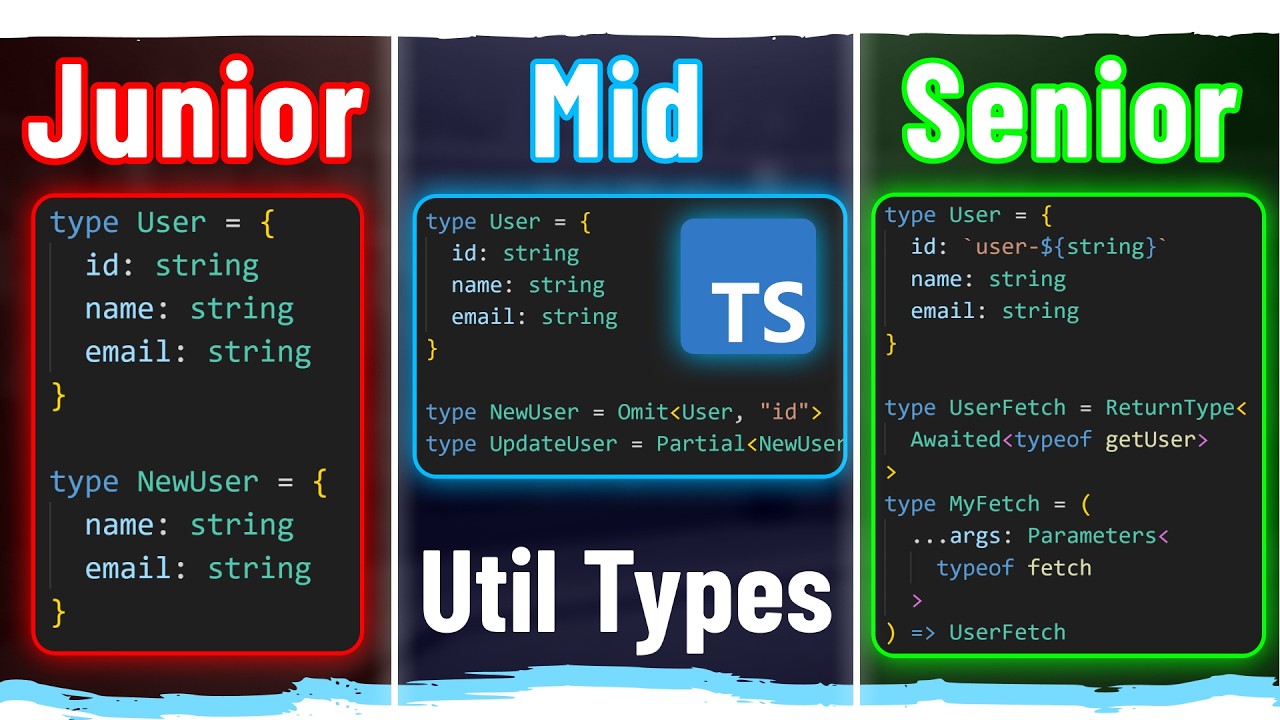
TypeScript 提供了一些內建的 Utility Types,可以幫助我們更方便地操作型別。
Utility Types
Pick
Pick Utility Type 可以從一個 Interface 中選擇一些屬性,形成一個新的 Interface。
當你只需要某個 Interface 的部分屬性時,可以使用 Pick Utility Type。
interface Todo {
  title: string;
  description: string;
  completed: boolean;
}

// 只選擇 description 和 completed 屬性
type TodoPreview = Pick<Todo, "description" | "completed">;

function updateTodo(todo: Todo, fieldsToUpdate: TodoPreview) {
  return {
    ...todo,
    ...fieldsToUpdate,
  };
}

const todo1 = updateTodo(
  {
    title: "Old Title",
    description: "Old Description",
    completed: false,
  },
  // 只需要傳入 description 和 completed 屬性
  {
    description: "New Description",
    completed: true,
  },
);

console.log(todo1);
Omit
Omit Utility Type 與 Pick Utility Type 相反,可以從一個 Interface 中排除一些屬性,形成一個新的 Interface。
當你只需要某個 Interface 的部分屬性時,可以使用 Omit Utility Type。
interface Todo {
  title: string;
  description: string;
  completed: boolean;
}

// 排除 description 和 completed 屬性
type TodoPreview = Omit<Todo, "description" | "completed">;

function updateTodo(todo: Todo, fieldsToUpdate: TodoPreview) {
  return {
    ...todo,
    ...fieldsToUpdate,
  };
}

const todo1 = updateTodo(
  {
    title: "Old Title",
    description: "Old Description",
    completed: false,
  },
  // 只需要傳入 title 屬性
  {
    title: "New Title",
  },
);

console.log(todo1);
Partial
Partial Utility Type 可以將一個 Interface 的所有屬性都轉換為可選的 (optional)。
當你只需要某個 Interface 的部分屬性時,可以使用 Partial Utility Type。
interface Todo {
  title: string;
  description: string;
  completed: boolean;
}

// 將所有屬性都轉換為可選的
function updateTodo(todo: Todo, fieldsToUpdate: Partial<Todo>) {
  return {
    ...todo,
    ...fieldsToUpdate,
  };
}

const todo1 = updateTodo(
  {
    title: "Old Title",
    description: "Old Description",
    completed: false,
  },
  // 只需要傳入 title 和 description 屬性
  {
    title: "New Title",
    description: "New Description",
  },
);

console.log(todo1);
Required
Required Utility Type 可以將一個 Interface 的所有屬性都轉換為必填的 (required)。
Interface 有些屬性可能為可選的 (optional),使用 Required Utility Type 可以將這些可選的屬性轉換為必填的。
interface Todo {
  title: string;
  // description 是可選的
  description?: string;
  completed: boolean;
}

// 將所有屬性都轉換為必填的
function updateTodo(todo: Todo, fieldsToUpdate: Required<Todo>) {
  return {
    ...todo,
    ...fieldsToUpdate,
  };
}

const todo1 = updateTodo(
  {
    title: "Old Title",
    description: "Old Description",
    completed: false,
  },
  // 只需要傳入 title 和 description 屬性
  {
    title: "New Title",
    // description 變成必填的
    description: "New Description",
    completed: true,
  },
);

console.log(todo1);
Readonly
Readonly Utility Type 可以將一個 Interface 的所有屬性都轉換為只讀的 (readonly)。
當你只需要某個 Interface 的部分屬性時,可以使用 Readonly Utility Type。
interface Todo {
  title: string;
  description: string;
  completed: boolean;
}

type T = Readonly<Todo>;

const todo1: T = {
  title: "Old Title",
  description: "Old Description",
  completed: false,
};

// 下面這行會出現錯誤,因為 title 是只讀的
// Cannot assign to 'title' because it is a read-only property.(2540)
todo1.title = "New Title";
Record
Record Utility Type
type User = {
  id: string;
  name: string;
  age: number;
};

// 建立一個 key-value pair 的 type,key 是 string,value 是 User
type T = Record<string, User>;

const a: T = {
  "1_allen": {
    id: "1",
    name: "Allen",
    age: 25,
  },
  "2_bob": {
    id: "2",
    name: "Bob",
    age: 30,
  },
};

// 建立一個 key-value pair 的 type,key 是 "admin" 或 "user",value 是 User
type U = Record<"admin" | "user", User>;

const b: U = {
  admin: {
    id: "1",
    name: "Allen",
    age: 25,
  },
  user: {
    id: "2",
    name: "Bob",
    age: 30,
  },
};
Extract
可以從 Type 中提取出符合條件的 Type。
type Role = "admin" | "user" | "guest";
type Permission = "read" | "write" | "delete";
type OtherRole = "testing" | "admin" | "user" | "guest" | "moderator";

type AdminRole = Extract<Role, "admin">;
type UserPermission = Extract<Permission, "read" | "write">;
// 類似交集,只提取 Role 在 OtherRole 中的共通部分
type T = Extract<Role, OtherRole>;
Exclude
可以從 Type 中排除出不符合條件的 Type。
type Role = "admin" | "user" | "guest";
type Permission = "read" | "write" | "delete";
type OtherRole = "testing" | "admin" | "user" | "guest" | "moderator";

type AdminRole = Exclude<Role, "admin">;
type UserPermission = Exclude<Permission, "read" | "write">;
// 類似差集,排除 Role 在 OtherRole 中的共通部分
type T = Exclude<Role, OtherRole>;
ReturnType
ReturnType Utility Type 可以從一個 Function Type 中提取出返回值的 Type。
function getUser() {
  return { id: 1, name: "Allen", age: 25 };
}

type T = ReturnType<typeof getUser>;

const user: T = {
  id: 1,
  name: "Allen",
  age: 25,
};
Parameters
Parameters Utility Type 可以從一個 Function Type 中提取出參數的 Type。
當你有一個函式的參數想參照其他函式的參數時,可以使用 Parameters Utility Type。
function getUser(id: number) {
  return { id, name: "Allen", age: 25 };
}

type T = Parameters<typeof getUser>;

const id: T = [1];
ConstructorParameters
ConstructorParameters Utility Type 可以從一個 Class 中提取出建構子的參數的 Type。
class User {
  constructor(
    public id: number,
    public name: string,
    public age: number,
  ) {}
}

type T = ConstructorParameters<typeof User>;

const user: T = [1, "Allen", 25];
InstanceType
有點莫名其妙的 Utility Type
InstanceType Utility Type 可以從一個 Class 中提取出建構子的返回值的 Type。
class User {
  constructor(
    public id: number,
    public name: string,
    public age: number,
  ) {}
}

type T = InstanceType<typeof User>;
// 上面這一句等同於下面這一句,所以 InstanceType 是用途有點微妙的 Utility Type
type T = User;
NonNullable
NonNullable Utility Type 可以從一個 Type 中排除出 null 和 undefined 的 Type。
type A = string | number | null | undefined;

// T 會排除掉 null 和 undefined,只剩下 string | number
type T = NonNullable<A>;
Awaited
Awaited Utility Type 可以從一個 Promise Type 中提取出返回值的 Type。
function getUser() {
  return Promise.resolve({ id: 1, name: "Allen", age: 25 });
}

// T 會提取出 Promise 的返回值的 Type
// type T = { id: number; name: string; age: number }
type T = Awaited<ReturnType<typeof getUser>>;
字串相關的 Utility Type
type T = Uppercase<"hello">; // "HELLO"
type T = Lowercase<"HELLO">; // "hello"
type T = Capitalize<"hello">; // "Hello"
type T = Uncapitalize<"Hello">; // "hello"